
How To
How To Be The Best Dressed At Meetings


You never get a second chance to make a first impression. So understanding the type of meetings you are headed into and having the forethought to dress in a manner that plays to your advantage is just plain smart. An entrepreneur is the physical representation of their business. Therefore the external appearance does matter and can heavily influence someone’s initial opinion of a business leader’s personality, competence and capability. Any presenter will be perceived as knowledgeable and responsible if they appear well put together.
Here’s how you should dress to impress those clients
1. Dress Sharp
Don’t be a sloppy dresser. Wearing creased shirts and baggy pants will only give the impression of a lazy person who loves the couch more than a conference room. Recently laundered shirts tailored to your size, portray a person who is serious about what they do and takes pride in their work. They also give the impression of some one who is ready to work on themselves.
2. Dress according to your audience
In a world where young adults have built billion dollar companies, formal attire is not always necessary. Dress in accordance with the people you will be meeting to avoid awkward situations. A 30 year old CEO might be fine with faded jeans and a hoodie while some of the more experienced chiefs might prefer a three piece suit with polished leather shoes. A little bit of homework before the meeting won’t hurt anybody.
3. Face, hair and facial hair
It is good to spend a little time in front of the mirror every day. Comb your hair, clean behind your ears, trim wherever required and wash your face. They may seem like a minor affair but affect the grand scheme of things. A neat, crease free, tailored suit won’t mean much if your face does not look the part. Even if it is just a casual meeting a fresh face makes it look like you are interested in the meeting and didn’t have to force yourself out of the bed.
4. Dress for comfort
While it is important to dress well, it is equally important to be comfortable in what you’re wearing. Tight shoes, a tie that’s blocking the wind pipe or even an uncomfortable shirt will not allow you to concentrate on the meeting. Uncomfortable clothes will make you look fidgety and uninterested, which is not the kind of impression you want to make. Don’t force yourself to wear something you are not comfortable in just to impress somebody else.
5. Make the effort
It’s not necessary to have a new shirt or the latest trends for every meeting. But it is important to show that you have made an effort to prepare for the meeting. It shows commitment and dedication to work and to the clients. Making a conscious effort to look your best for the meeting will not only boost your confidence but it also helps to send the right message.
A well dressed person looks like some one who is prepared to take on the world and shoot for the stars. Therefore it is important to work on your attire as well as on the main presentation. It’s like the old adage goes, “If only looks could kill.”








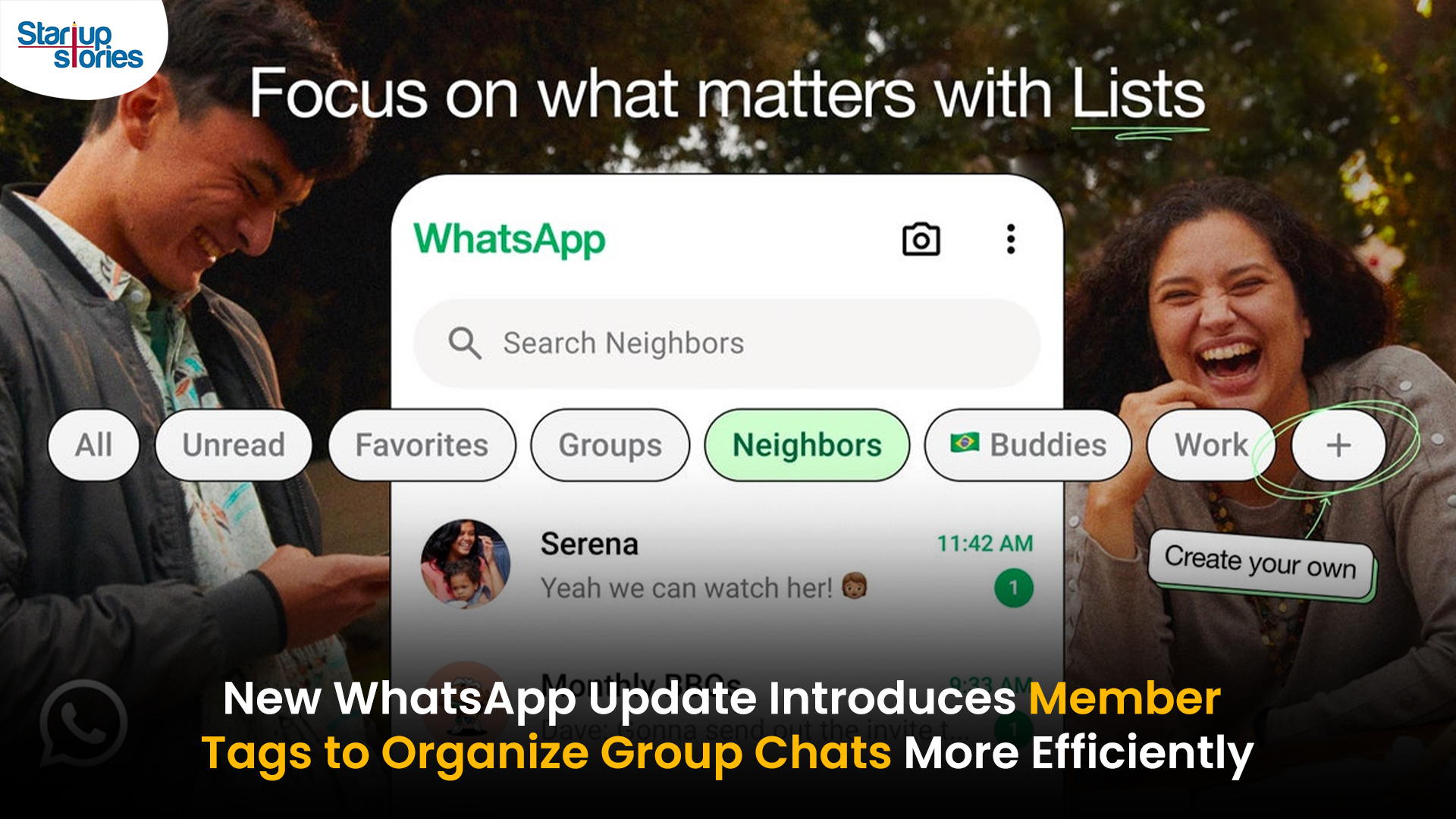
WhatsApp has rolled out a new “Member Tags” feature designed to make group management simpler and more organized. The update allows users to add short text labels next to their names in group chats such as Admin, Manager, Designer, or Coordinator helping others instantly identify roles and responsibilities. This feature is especially useful for large communities, workplaces, and project-based groups where multiple participants collaborate regularly.
With WhatsApp Member Tags, group members can customize labels that appear beside their names and within the participants list, providing better clarity during group conversations. The introduction of tags aims to cut down confusion in busy chats, making it easier to know who handles what. The feature is already rolling out for iOS users and is expected to reach Android devices soon as part of WhatsApp’s gradual global rollout. Users can add tags by simply going to the group info section, tapping their own name, and selecting “Add Member Tag.”
This update also benefits brands, creators, and businesses that rely on WhatsApp for communication and engagement. From marking support staff with titles like “Customer Support” or “Sales” to identifying moderators and event organizers in community groups, the feature brings a layer of professionalism to WhatsApp’s familiar interface. By enhancing group communication dynamics, the Member Tags feature strengthens WhatsApp’s position as one of the most efficient and business-friendly messaging platforms available today.

Google has introduced a new AI-powered feature for its Files by Google app, allowing users to easily interact with PDF documents. The “Ask about this PDF” feature, powered by Gemini, enables users to ask questions about the document’s content directly within the app.
How it Works
Access
The feature is available in the updated Files by Google app (version 16.0.5 and above). Users can download the latest version from the Google Play Store to access this functionality.
Functionality
Users can simply tap the “Ask about this PDF” button while viewing a document. This prompts the app to allow users to ask questions regarding the PDF content, such as:
- Summaries of sections
- Clarifications on specific paragraphs
- Details about tables and charts
AI Interaction
The app leverages the power of Gemini AI to provide accurate and informative answers based on the content of the PDF. This interaction enhances user engagement by making it easier to extract relevant information without manually scrolling through lengthy documents.
User-Friendly Experience
AI-generated responses are displayed as an overlay, enabling users to view both the original PDF and the AI-generated answers simultaneously. This feature streamlines the process of obtaining information from PDFs, making it particularly useful for students and professionals who frequently work with such documents.
Availability
Gemini Advanced Required
The “Ask about this PDF” feature is currently exclusive to users of Gemini Advanced, a subscription service that provides enhanced capabilities of Google’s AI tools.
Limited to Files by Google
At present, this feature is available only within the Files by Google app. However, there are expectations that similar functionalities may be integrated into other Google applications in the future, such as Google Drive.
Future Outlook
This new feature demonstrates Google’s commitment to integrating AI seamlessly into its products and services. By enhancing the user experience with innovative tools like “Ask about this PDF,” Google aims to improve productivity and accessibility for its users.
Expansion Plans
Given the positive reception of this feature, it is likely that Google will explore expanding Gemini’s capabilities across other platforms and applications, potentially offering similar functionalities for various document types and formats.
Conclusion
Google’s introduction of the “Ask about this PDF” feature in its Files by Google app marks a significant advancement in how users interact with digital documents. By leveraging Gemini AI, Google is not only enhancing productivity but also making information retrieval more efficient and user-friendly. As AI continues to evolve, features like these are expected to play a crucial role in transforming digital workflows across various sectors.
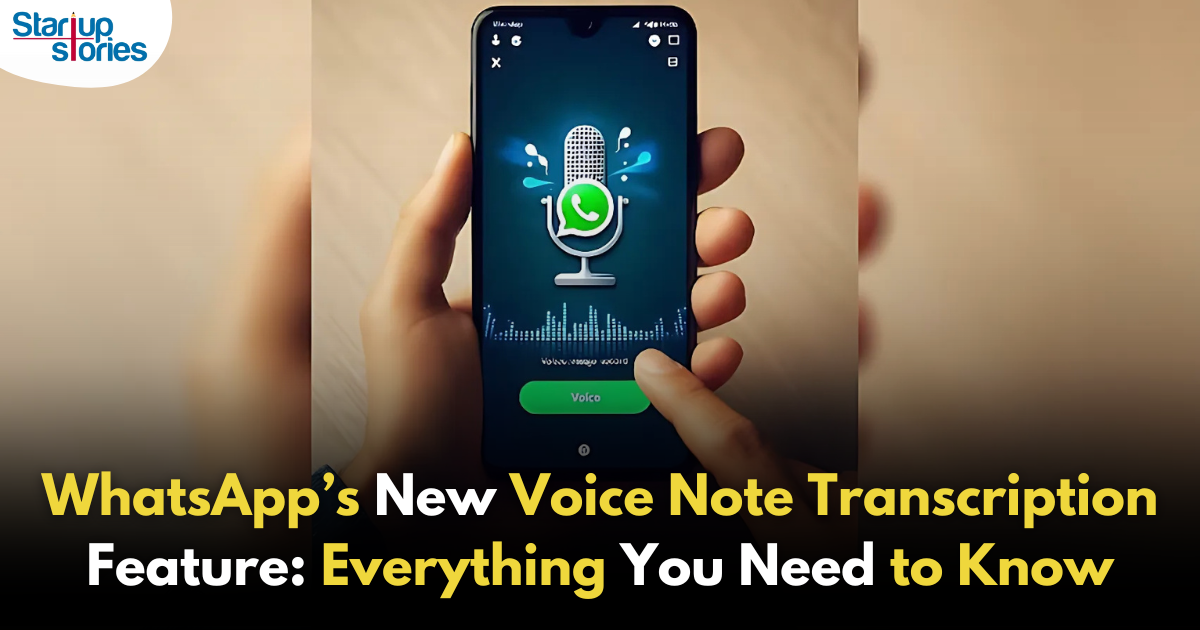
WhatsApp is revolutionizing how users handle voice messages with the introduction of its new Voice Note Transcription feature. Designed to cater to diverse user needs, this update ensures that you never miss out on voice messages, even in situations where listening isn’t an option—be it a noisy environment, an important meeting, or simply when audio isn’t convenient.
What Is Voice Note Transcription?
The Voice Note Transcription feature converts voice messages into text, allowing users to read the content instead of listening. This thoughtful solution addresses scenarios where audio playback may not be practical. With this addition, WhatsApp enhances communication efficiency, helping users stay connected regardless of their circumstances.
How Does It Work?
Using the transcription feature is straightforward:
- Enable the Feature: Navigate to Settings > Chats > Voice Message Transcripts to enable or disable the feature and select your preferred transcription language.
- Transcribing a Voice Note: Once activated, long-press the voice message you’ve received and tap ‘Transcribe’. The app will instantly generate a text version of the audio message for you to read at your convenience.
This process is handled entirely on your device, ensuring that the voice messages remain private. Neither WhatsApp nor external servers have access to the content, maintaining the platform’s commitment to privacy.
Privacy and Security
In line with WhatsApp’s dedication to user security, the transcription process is executed locally on the device. This ensures that your voice messages are never sent to external servers, and even WhatsApp itself cannot access them. By integrating this feature while preserving its robust end-to-end encryption, WhatsApp continues to prioritize user trust.
Key Privacy Features
- Local Processing: Transcripts are generated entirely on-device, ensuring that no one else—not even WhatsApp—can access your personal messages.
- End-to-End Encryption: The feature maintains WhatsApp’s strong privacy standards, ensuring that only the sender and recipient can access their voice messages.
Global Rollout and Language Support
The Voice Note Transcription feature is rolling out globally over the coming weeks. Initially, it supports selected languages such as English, Spanish, Portuguese, Russian, and Hindi. WhatsApp has confirmed plans to expand its language offerings soon, ensuring wider accessibility for users worldwide.
Why This Feature is a Game-Changer
This new addition addresses a common pain point for WhatsApp users: handling voice messages when audio playback isn’t feasible. Whether you’re in a crowded space, attending a quiet event, or dealing with a lengthy voice note, the transcription feature provides a convenient alternative.
Benefits of Voice Note Transcription
- Multitasking Convenience: Users can skim through voice messages while juggling other responsibilities without needing headphones.
- Accessibility Improvement: The feature enhances accessibility for individuals with hearing impairments or those who prefer text-based communication over audio.
- Enhanced Communication: Merging the personal touch of voice communication with the convenience of text allows for more flexible interactions.
Conclusion
By introducing the Voice Note Transcription feature, WhatsApp continues to innovate and enhance its platform. This tool exemplifies how technology can adapt to diverse user needs while maintaining security and privacy. Keep an eye on your app settings—this feature is rolling out soon and is set to make staying connected easier than ever. As WhatsApp expands its capabilities, users can look forward to a more personalized and efficient messaging experience that caters to their evolving communication preferences.

Common Governance Challenges Faced by Nonprofit Organizations in India

How Lenskart Made Indians Comfortable Buying Glasses Online


Keithjeant
April 18, 2026 at 4:26 pm
The CBD collection – cbd gummies near me offers a multifariousness of formats that fill someone’s needs different preferences, and each undivided feels ok executed. The lubricate appears clean and accordance, the packaging materials feel heavy-duty, and the layout is simple besides elegant. The products are easy to assemble and fraternize with, thanks to secure lids and compact sizing. Inclusive, the label delivers a proficient and carefully crafted test without dispensable extras.
JosephNuh
April 18, 2026 at 8:03 pm
The CBD aggregation – https://www.tillmanstranquils.com/products/relief-gummies offers a multifariousness of formats that please singular preferences, and each undivided feels intimately executed. The lubricate appears blameless and consistent, the packaging materials feel sturdy, and the connivance is uninvolved till elegant. The products are quiet to assemble and go with, thanks to sheltered lids and thick sizing. Overall, the kind delivers a polished and carefully crafted test without unrequired extras.
Jameskip
May 4, 2026 at 8:17 pm
The scent of this terpene fuse – granddaddy purple indica is really unclutter and natural, not too concentrated but hush clear in the most way. It blends smoothly and adds a much bettor flavor chart without oppressive everything else. Orderly a small amount makes a contradistinction, which says a loads about the quality. The packaging was shielded, shipping was connected, and the mainly adventure felt reliable. Really sound produce and one I’d happily uncalled-for again.
Eddiecef
May 6, 2026 at 6:02 pm
I’ve been exploring https://terpenewarehouse.com/collections/citrus-terpenes recently, and I’m really enjoying the experience. The scents are rich, customary, and pleasant. They annex a discriminative caress to my day after day drill, ration congeal the willing and atmosphere. A large catch sight of after anyone who appreciates aromatic wellness tools.
Jameskip
May 13, 2026 at 10:11 pm
The scent of this terpene blend – animal star cookies strain is really sanitary and ingenuous, not too strong but mollify unmistakable in the most way. It blends smoothly and adds a much bettor flavor profile without oppressive all things else. Flush a elfin amount makes a argument, which says a lot with reference to the quality. The packaging was healthy, shipping was faithful, and the whole experience felt reliable. Unquestionably solid product and one I’d providentially disposal again.
Willardteake
May 15, 2026 at 7:25 pm
The CBD aggregation – cbd gummies for pain relief offers a medley of formats that please singular preferences, and each harmonious feels ok executed. The unguent appears dry-clean and accordance, the packaging materials bear long-lasting, and the fashion is unostentatious till elegant. The products are comfortable to store and treks with, thanks to sheltered lids and compact sizing. Inclusive, the label delivers a outstanding and carefully crafted sample without surplus extras.